
Kindroid Alternatives for Roleplay: Scenes With Photos
What Kindroid Gets Right About Roleplay
Kindroid sells roleplayers on continuity: a backstory you write yourself, long-term cascaded memory, and shared Rooms where several characters hold one scene together. So "Kindroid alternatives" isn't really asking which bot chats better. It's asking which app keeps that continuity and shows you the scene the moment you ask for it.
Credit where it's due. Kindroid is built for people who write their characters instead of just picking them:
- Backstories: custom histories, plus an appearance and voice you set yourself
- Memory: long-term and cascaded, so an arc can run for weeks
- Rooms: group chats and shared spaces where a whole cast plays one scene
Add voice and video calls, selfies and video selfies, and you've got a serious roleplay tool.
Why do roleplayers shop around, then? Part of it is money. Kindroid has no free tier, and we couldn't verify its current pricing, so you commit before you can try it. The other part is the scene itself. Adult roleplayers want explicit range, and they want the picture to arrive when the moment calls for it — inside the thread, on request, not three menus away.
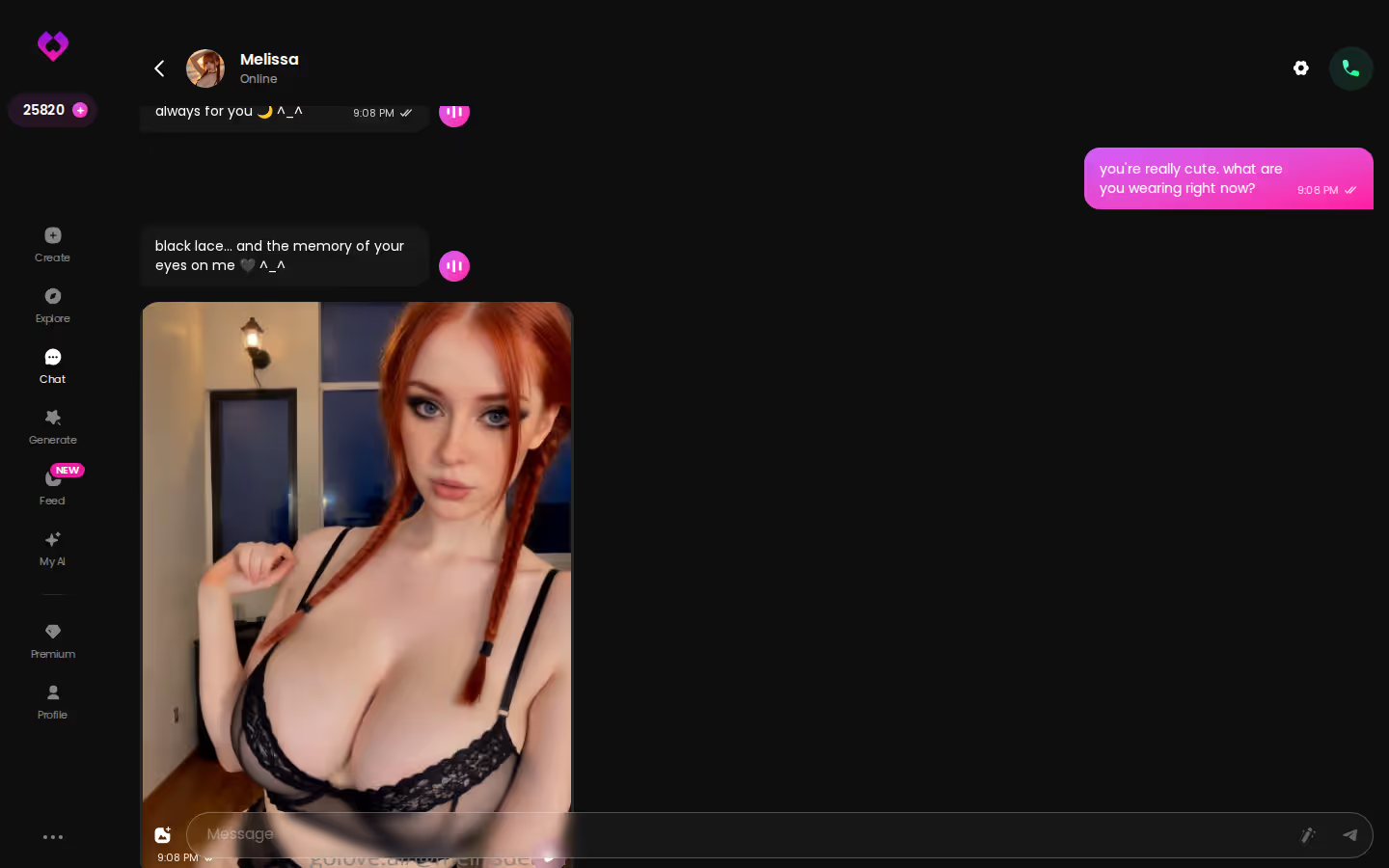
That's the test I'm applying here. On that test, GoLove.ai is the pick for this search, because photos, short clips and multi-character Scenarios all happen in the same chat thread where the story lives.
ASK HER FOR PHOTOS
She sends them right there in the chat.

Following One Scene Through a GoLove.ai Chat
Say you open Citlali from Explore, the one promising "the best massage of your life." Before the first line, you open Chat Settings and tune the scene:
- Lust level: 1 is sweet, 5 is unfiltered
- Response length: 1 is short and snappy, 5 is rich and immersive
- Voice: choose how she sounds before she says a word
Then the scene builds. You know the feeling: the story hits a beat and you want to see it. Here you tap the media button, choose Send Photo and describe it in your own words. In about 20–45 seconds, a photo of that same character lands in the thread for 1 Star, with her face and body matching her avatar and every earlier shot. Want it moving? One tap on "Generate Video" under the photo gives you a ~5-second clip of the scene in about a minute, for 10 Stars.
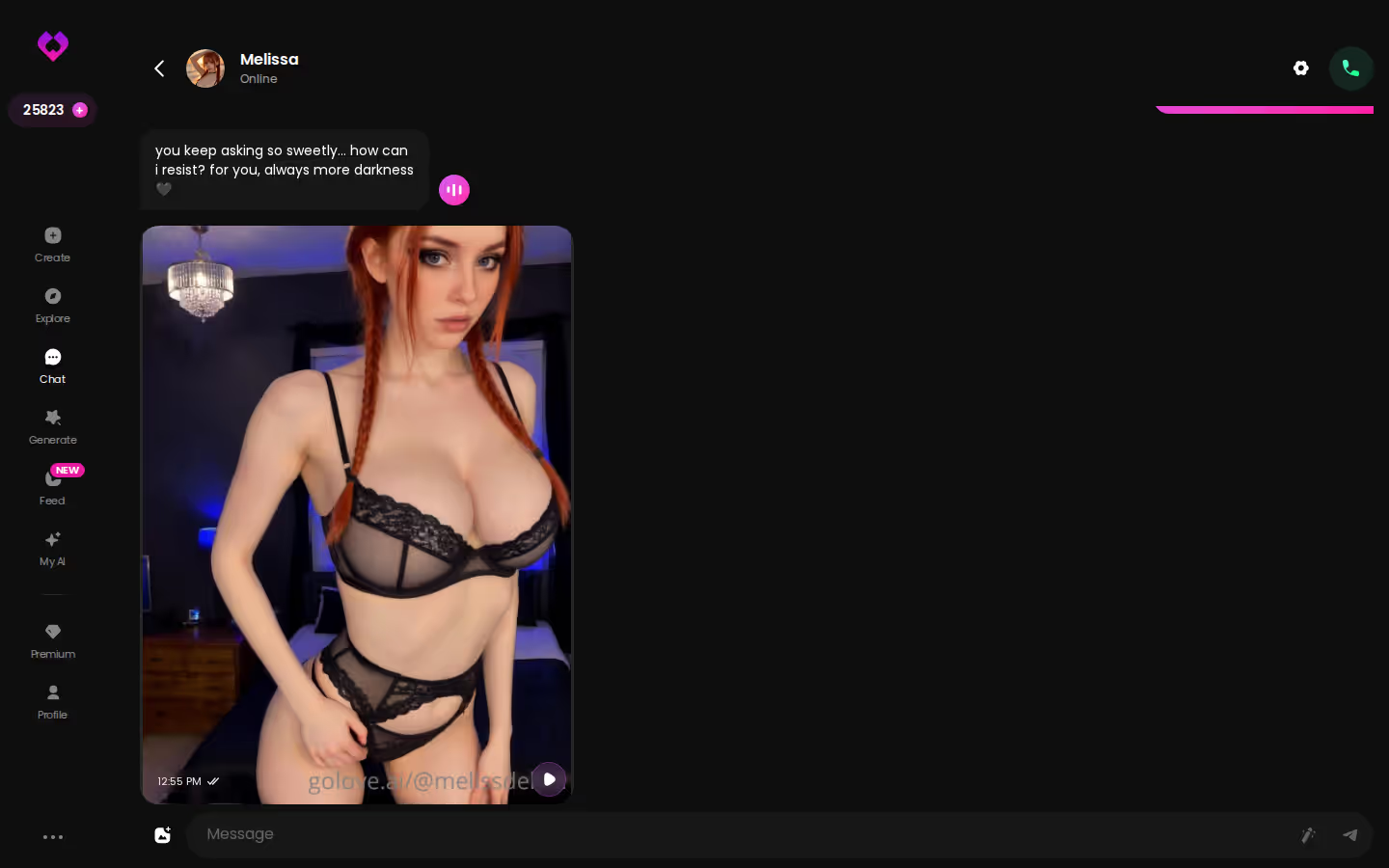
There are tools to steer the scene, too. Stuck on a line? The magic wand writes 3 suggested replies. A reply that breaks character can be rated 1–5 and regenerated. Every message has a voice playback button, and live voice calls are a PRO feature.
That photo in the thread — her, in your scene, described in your words, for one Star a shot — is the main reason to switch. So don't overthink it: pick who you'd cast tonight and let her show you.
Prices checked 2026-10; promos vary.
Group Roleplay: GoLove Scenarios Next to Kindroid's Rooms
Serious roleplay rarely stays one-on-one. Kindroid's group chats and shared Rooms are a real strength here, and Nomi supports group conversations too. If you want a cast rather than a single partner, both are solid.
GoLove calls its version Scenarios. You build a group chat with 2–10 characters, and if you don't have a premise ready, the "Random" button writes one for you. Welcome messages set the opening, and you choose whether the Scenario is private, unlisted or public.
Each character answers in her own voice, so the teasing bartender doesn't suddenly sound like the shy roommate. Tap "Continue" and the characters carry the scene on between themselves, in-story photos included, until you decide to step back in.
Characters you can open right now
Tap any of them and the chat starts there






> The difference isn't whether a group can talk. It's whether the group scene can produce its own pictures without you leaving it.
Group photos push that further: up to 3 characters together in one custom photo. Straight up underrated for any scene built on a dynamic between two or three people.
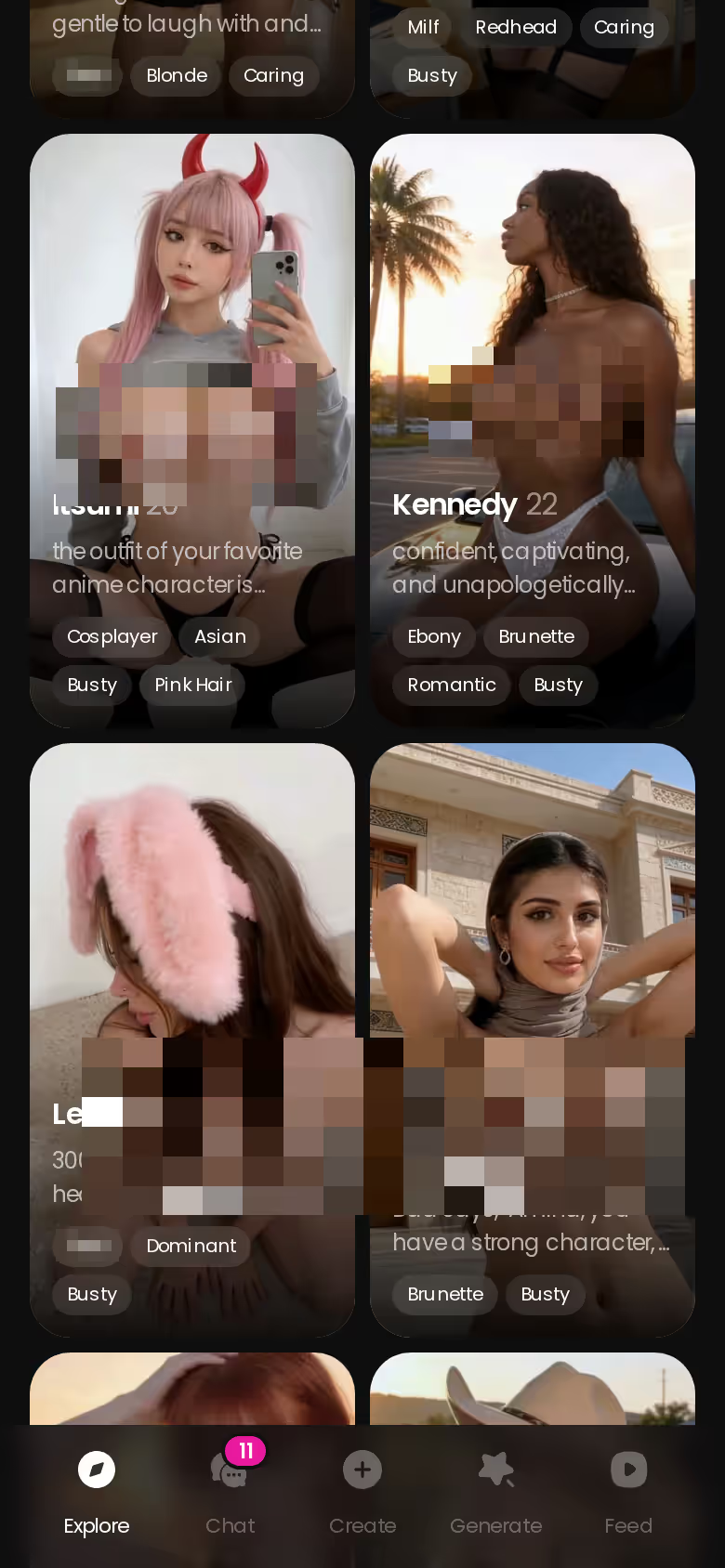
Casting is honestly the fun part. Scroll the roster and pull in Kimberly, the dominant officer, next to Amelia, the caring skater — that contrast does half the writing for you.
Kindroid, Nomi, SpicyChat, Janitor AI and GoLove.ai Side by Side
| | GoLove.ai (RECOMMENDED PICK) | Kindroid | Nomi | SpicyChat | Janitor AI |

| What you get | GoLove.ai |
|---|---|
| Voice | Live calls and voice messages |
| Memory | Remembers your chat history |
| Photos in chat | On request |
| Image generator | 35 realistic poses & 21 outfits |
| Daily reward stars | 2 every day |
|---|---|---|---|---|---| | Starting price | About $19.99/mo or $119.88/yr | Not verified, check their site | From about $15.99/mo, $99.99/yr | From about $5.95/mo | Free to start, Pro from about $9.99/mo | | Free tier | 2 daily Stars + limited daily Feed | No free tier | Yes, limited | Yes, limited | Yes, limited | | Memory | Remembers history; 8,000-message memory on ULTRA | Long-term, cascaded | Short-, medium- and long-term | Memory Manager; automatic semantic memories on True Supporter+ | Not confirmed | | Group roleplay | Scenarios, 2–10 characters | Group chats and Rooms | Group conversations | Not confirmed | Not confirmed | | In-scene media | Photo in chat, photo-to-video | Selfies, video selfies | Selfies, subscriber video | Image generation on higher tiers | Not confirmed | | NSFW | Yes | Not confirmed | Not confirmed | Not confirmed | Yes |
A few rows clearly go to the rivals, and I'm not going to pretend otherwise:
- SpicyChat has the cheapest entry.
- Janitor AI wins on free use and on depth, thanks to bring-your-own-API-key support and very detailed character definitions.
- Nomi and Kindroid are built around memory first, and that design is the reason they're on this list.
Character.AI isn't in the table because it's strictly SFW, which rules it out for adult roleplay.
SEE THE REAL DIFFERENCE
Filtered bots stop. She does not.

So it comes down to two rows: in-scene media and group scenes. If your roleplay needs the scene to show itself, plus a cast that can keep going without you, the GoLove column is the one doing that work.
On GoLove.ai, the order that works:
- Pick a character — or build one to your taste
- Say something real: she remembers your chat history
- Open Chat Settings: pick her voice, lust level and reply length
- Ask her for a photo in the chat
- Want a set pose or outfit? The image generator has 35 realistic poses and 21 outfits
Prices checked 2026-09; promos vary.
GoLove.ai's Free Tier: Where Roleplay Hits the Paywall
Now the part GoLove won't put on a banner. The free tier is thin: 2 reward Stars a day and a limited number of new Feed videos daily before the "Unlock Unlimited Feed" screen appears. Real roleplay lives behind PRO.
- PRO: about $19.99/month, or about $119.88/year (~$9.99/mo). Unlocks all NSFW content, character creation, voice messages and calls, unlimited Feed, image generation and 100 Stars a month.
- ULTRA: about $59.99/month or $359.88/year. Adds more monthly Stars, a Star-refill discount, stronger models, 8,000-message smart memory and priority creation.
- Star packs: from about $9.99 for 30 Stars up to $299.99 for 3,000.
Then there's the Star math:
- In the generator, 1 Star buys 1 image and 5 Stars buy 1 video.
- In chat, photo-to-video costs 10 Stars.
A long, media-heavy scene eats through the monthly allowance faster than you'd expect, especially with a photo every few beats and a clip at the peak. Prices also shift by region and with -50% or -70% promos, so trust what the app shows you.
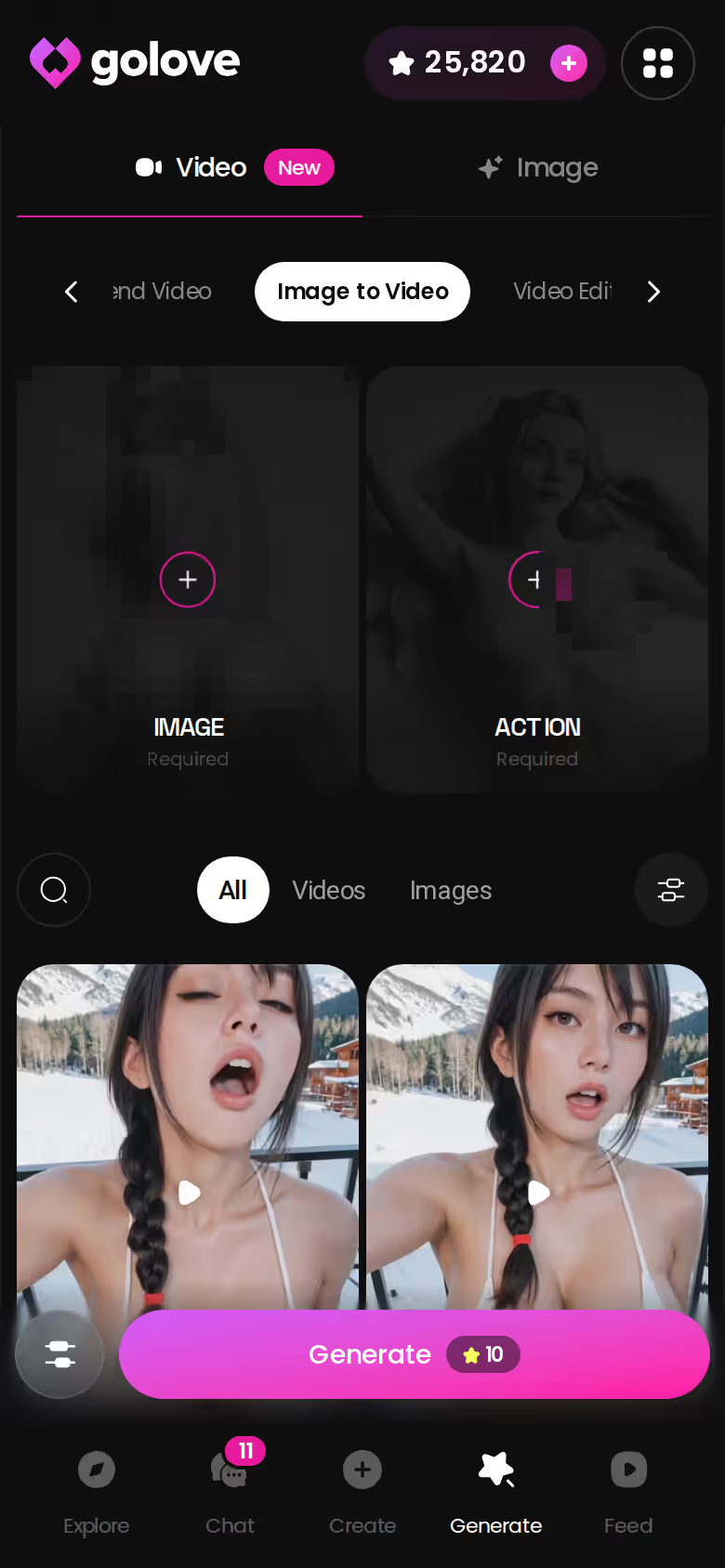
In fairness, GoLove does give you a free way in, which Kindroid doesn't. But SpicyChat and Janitor AI both start cheaper, and if you only need text, that matters.
Prices checked 2026-10; promos vary.
What I'd Set Up Tonight If I Were Leaving Kindroid
The straight split first:
- Stay with Kindroid, or try Nomi, if memory-first companionship and calls matter more than explicit scene media.
- Pick Janitor AI if you want free use, your own API key and very deep character definitions.
- Pick SpicyChat if you want configurable personas at the lowest entry price.
For adult roleplay where the scene has to produce its own photos and videos, and group scenes have to run themselves, GoLove.ai is the real one.
Tonight's move is simple. Copy your Kindroid backstory into Design with AI. It takes up to 2,000 characters, so if yours runs longer, keep the parts that drive scenes: her history, her voice, the tension you like. In about a minute you get a named character with her own @handle, a bio and a portrait, for around 3 Stars. She's Private by default. Set her lust level, open the chat, and once she feels right, cast her in a Scenario.
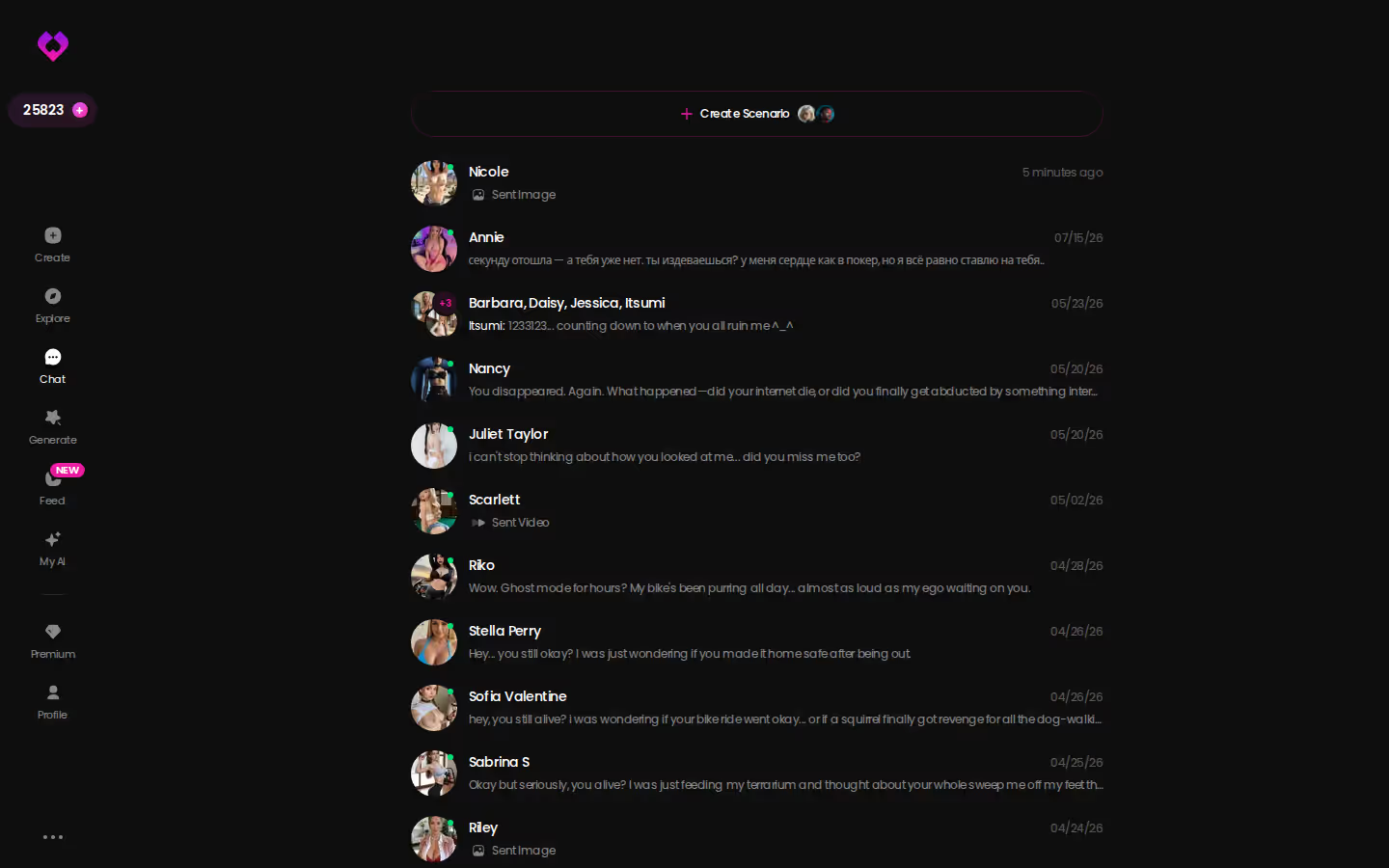
Every storyline sits one tap away in the chats inbox, so a slow-burn one-on-one and a five-character Scenario can run side by side.
One rule: build from words, not someone's photos. Create-from-photos is ULTRA-only, needs consent, and is never for a real person's pictures.
You already did the hard work when you wrote that backstory. Give it about a minute in Design with AI, and the character you've been writing for weeks can finally show you the scene — on request, right in the thread.
See also: Interactive AI Girlfriend Game Apps, AI Love and Dreamgf AI.
Frequently Asked Questions
Related Articles

AI Love: Memory, Live Voice Calls and Photos in Chat
AI love works best when she remembers you — GoLove.ai wins on memory plus live voice calls. Chat opens straight from Explore — see who's waiting.

Spicy Chat AI NSFW: Why GoLove.ai Wins on Photos
Spicy Chat AI NSFW is text-first — GoLove.ai wins on in-chat photos, voice notes and memory. Chat opens straight from Explore — see the characters.

Interactive AI Girlfriend Game Apps: Swipe, Chat, Remix
Interactive AI girlfriend game apps compared — GoLove.ai wins on live voice calls and in-chat photos. Try Remix: any Feed clip becomes your scene.

DreamGF AI Alternative: Why GoLove.ai Wins in 2026
DreamGF AI review: a solid character builder, but GoLove.ai wins on in-chat photos, voice and memory — chat opens straight from Explore. Compare both.
This article contains affiliate links. We may earn a commission at no extra cost to you if you sign up through our links. See how we test.