
CrushOn AI Alternative for Group Chats: 2–10 Characters
The Short Answer: GoLove.ai Scenarios for Multi-Character Chat
One-on-one bots get repetitive once you want a second girl walking into the scene. If you're on CrushOn.AI and want several characters sharing one chat and reacting to each other, the real question is which app actually runs that. A longer roster doesn't answer it.
Straight up, the pick is GoLove.ai. Its Scenarios feature puts 2–10 characters in one chat, and each of them answers in her own voice. Then there's the Continue button, which lets the characters keep the scene going between themselves, so you aren't prompting each one in turn.
CrushOn.AI is still the cheaper way in, from about $5.99/month (checked 2026-09). We could not confirm a group-chat mode there.
Below: how a Scenario actually runs, a side-by-side table, and what a month costs.

Your cast starts on that Explore grid. Joining is free, and new accounts currently see a limited-time −70% first-subscription offer, so line up the women you want in the room first and decide on a plan once you know who's in it.
Where CrushOn.AI Still Earns Its Spot
Credit where it's due. For a specific kind of user, CrushOn.AI is the real one.
ASK HER FOR PHOTOS
She sends them right there in the chat.

What it does well
 7 episodes
 5 episodes
 5 episodes
 5 episodes
 5 episodes
 7 episodes
 6 episodes
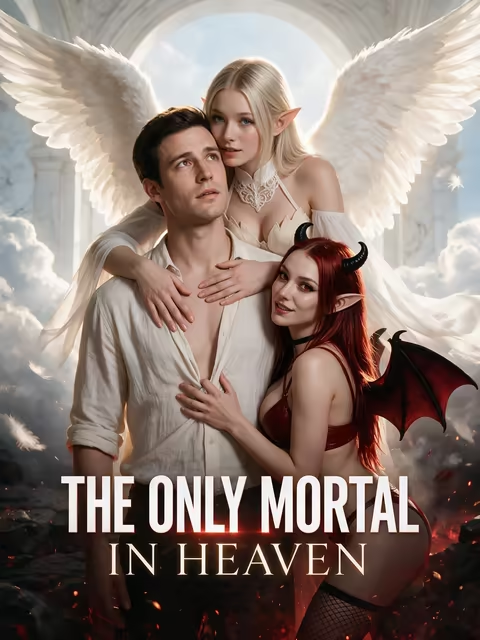 9 episodes










- Uncensored NSFW character chat, with an anime-style character focus
- A free plan of 50 messages/day with ads, which is honestly more room than a lot of free tiers give you
- Tiers scaled by message volume: Standard $5.99/month (2,000 messages), Premium $14.99 (6,000) and Deluxe $49.90 (unlimited), with about 30% off when billed annually
- Voice features and AI image generation on the higher tiers
Where it's harder to recommend for this search
- We could not confirm a multi-character group-chat feature
- Voice and image generation sit on the higher tiers
The quota model matters more here than it looks. In a one-on-one chat, one message out usually gets one reply back. A group scene is different: several characters can reply per turn, so on any plan that meters messages, a bigger cast runs the meter faster. Why would an allowance that feels roomy solo stay roomy with three voices in the room? It won't, and that's the math to run before you pick a tier.
Prices checked 2026-09; promos vary.
How a GoLove Scenario Runs a Group Scene
Here's the flow step by step, tied to how GoLove documents Scenarios.
Picking a cast of 2–10 characters and a premise
Start with two characters. That matches the documented Scenario test from 2026-10-09.
- Cast: anywhere from 2 to 10 characters in one chat
- Premise: write your own, or tap Random and GoLove drafts one for you
- Welcome messages: the characters open the scene before you type a word

 Watch Popular Shows starring your
 favorite AI characters.
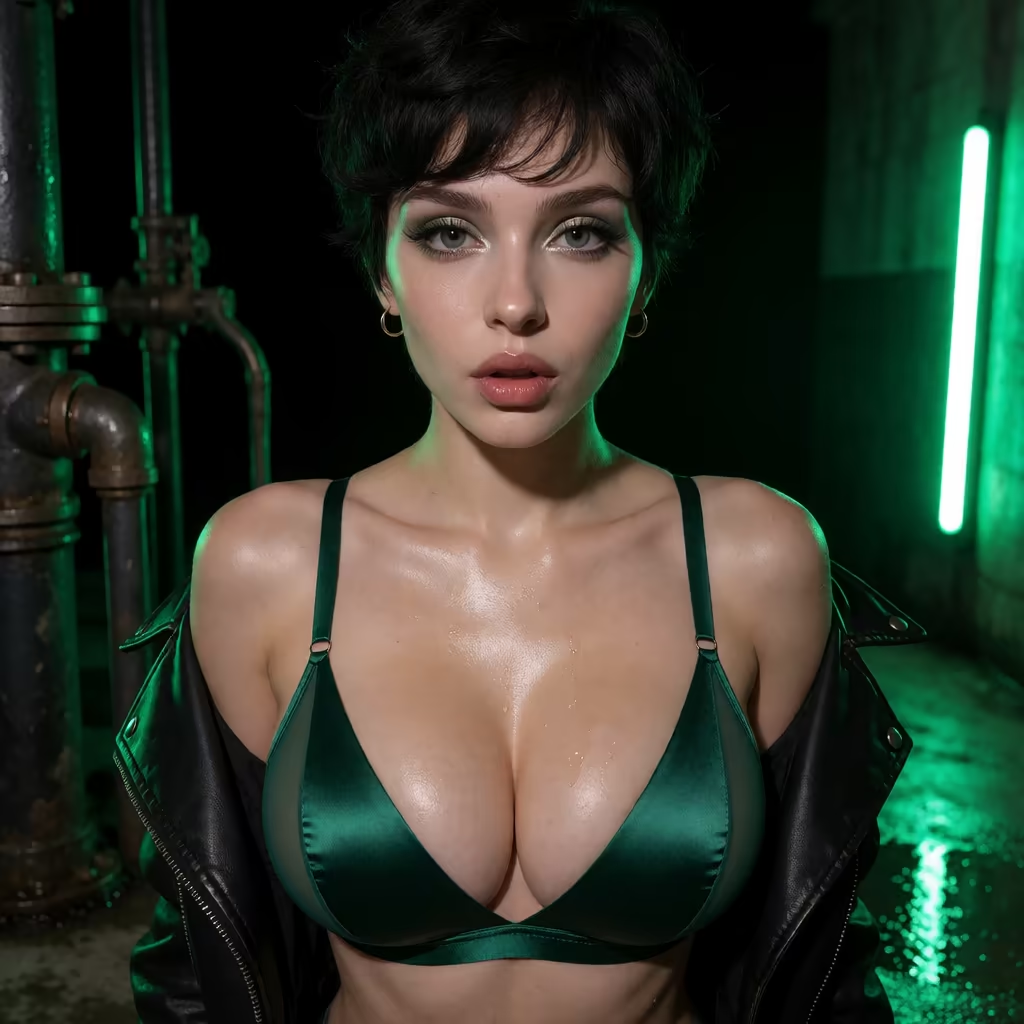
Then you write your first line, and each character answers in her own voice. You get two distinct women reacting to you and to each other, with no single narrator juggling names.
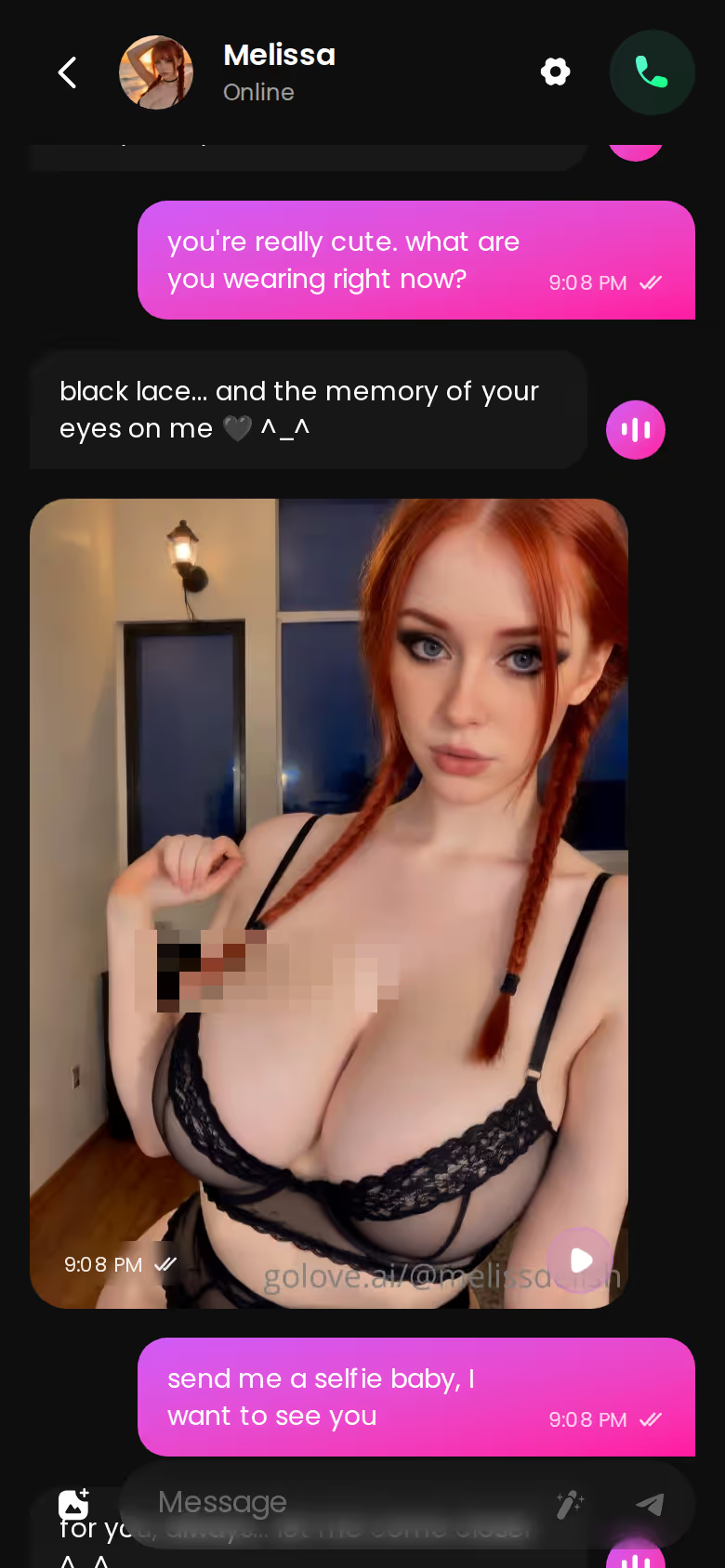
That thread is a one-on-one chat with Melissa. It's a reference for how a single character replies and drops a photo into the conversation.
Continue: letting the characters talk to each other
This is the mechanic that matters. Tap Continue and the cast carries the scene on between themselves, in-story photos included. You know the feeling with a solo bot — every beat is on you. Continue takes that job off your hands.
Do you have to prompt every character yourself? No. Continue lets the cast move the scene on.
Characters you can open right now
Tap any of them and the chat starts there






Private, unlisted or public scenes
Each Scenario can be private, unlisted or public: keep it to yourself, share it selectively, or put it out for others to find.
Group Chat Apps Side by Side: GoLove, CrushOn, Nomi, Nastia, Secrets AI
Several of these apps list group conversations in some form. What we compared is what comes after that checkbox. Do the characters move the scene on themselves? Do photos work inside the scene? And what does it cost to get in?
| Feature | GoLove.ai ✅ RECOMMENDED PICK | CrushOn.AI | Nomi | Nastia | Secrets AI |
|---|---|---|---|---|---|
| Group chat | 2–10 characters per Scenario | Not confirmed | Multiple companions and group conversations | Group conversations | Group chats on Ultimate |
| Characters continue the scene themselves | Yes, via Continue | Not confirmed | Not confirmed | Not confirmed | Not confirmed |
| Photos in the scene | In-story photos, plus group photos of up to 3 characters | Not confirmed | Not confirmed | Not confirmed | Not confirmed |
| Free tier | 2 Stars/day | 50 messages/day with ads (best here) | Limited (free access, quotas not confirmed) | Limited daily use | 20 messages/day |
| Entry price | PRO from about $19.99/month | From about $5.99/month (cheapest) | From about $15.99/month | From about $11.99/month | From about $19.99/month; group chats sit on the pricier Ultimate plan — check their site |
Prices checked 2026-09 (CrushOn) and 2026-10 (the others); promos and regional pricing vary.
CrushOn wins the cheap-entry and free-quota rows, no argument. But the Continue row is the one we could confirm only for GoLove, and it's the reason a group scene feels alive instead of feeling like you're running a puppet show. Start with two characters, the same cast size from the Scenario test, and tap Continue once the welcome messages land.
After the Group Scene: Private Photos and Video With the Same Cast
Here's the underrated part: a group scene isn't a dead end. Afterwards you can open the characters from it one-on-one, where Memory keeps your history with her. Her photos stay consistent with her face and body.
Asking one character for a photo in chat
- Where: tap the media button, then Send Photo
- How: describe the scene in your own words
- Speed and cost: about 20–45 seconds, 1 Star
SEE THE REAL DIFFERENCE
Filtered bots stop. She does not.

Consistency is the whole point. Her face and body match her avatar and earlier photos. A companion who looks like a different woman in every image isn't really the same companion, is she?
GoLove.ai, myth vs. fact:
- Myth: She forgets you the moment the tab closes — Fact: She remembers your chat history
- Myth: Voice is a gimmick you try once — Fact: Live voice calls, voice messages and a voice picker in Chat Settings
- Myth: Every "photo" is the same stock render — Fact: She sends photos on request, and the image generator has 35 realistic poses and 21 outfits
- Myth: You can't change how she talks — Fact: Chat Settings set her lust level and reply length
Turning that photo into a short clip
Under a photo she sends in chat, a one-tap Generate Video gives you a clip of about 5 seconds of the same scene with the same character. It takes about a minute and costs 10 Stars. Over in the generator, you can also build a video with her from preset cards — action, clothes and scene — and render it with one Generate tap.
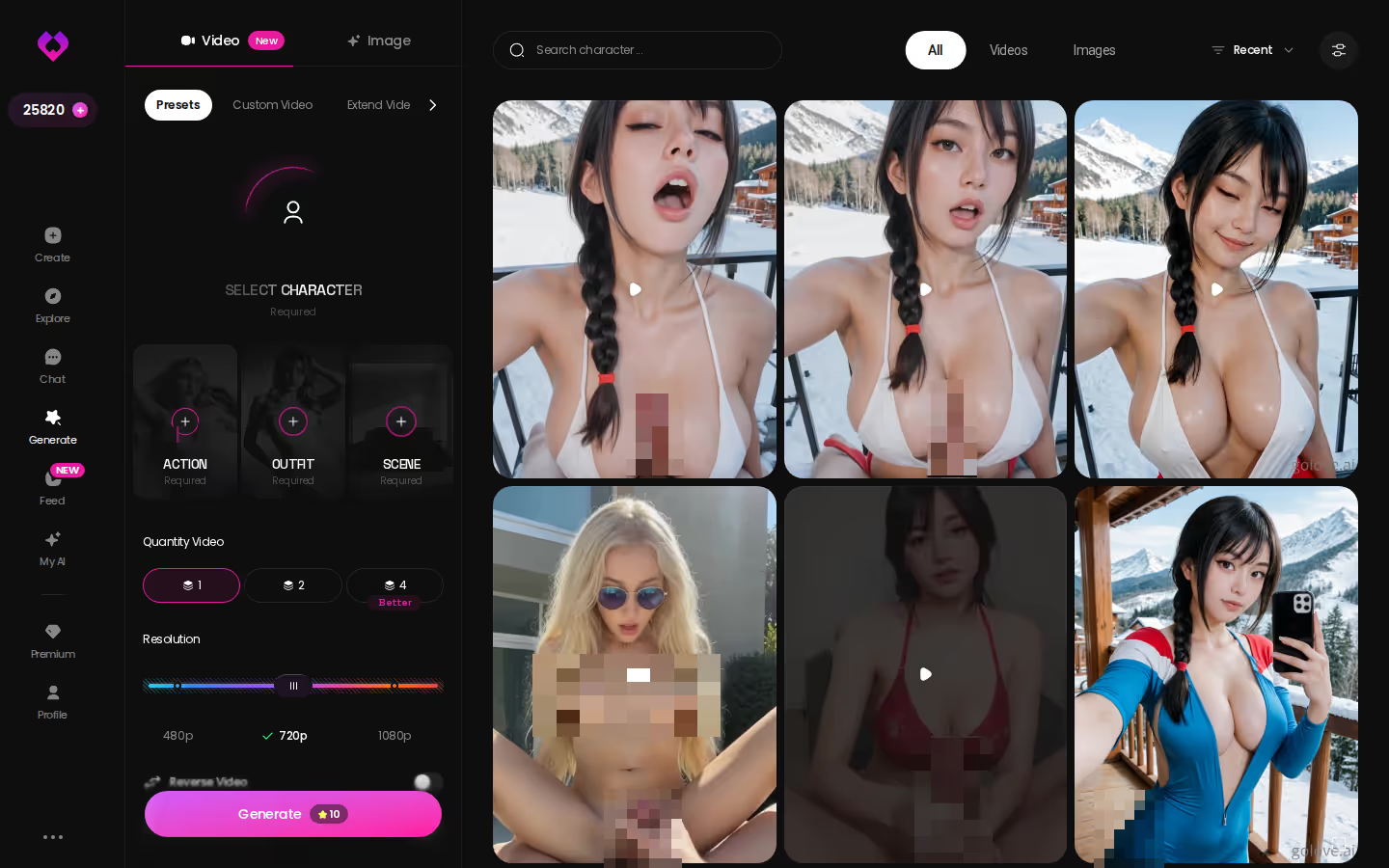
Nice extra, but photos stay the main event for most people. Treat the clip as a bonus for when a scene deserves it.
Group photos with up to 3 characters
Want the whole scene in one frame? GoLove's group photos put up to 3 characters together in one custom photo, which is handy when a two-girl Scenario earns a keepsake.
What a Group Roleplay Month Costs on GoLove vs CrushOn
The two apps charge for different things. CrushOn prices by message volume, while GoLove bundles chat into PRO and prices media in Stars.
> 2–10 characters per Scenario > 100 Stars/month included with PRO
GoLove.ai
- PRO: about $19.99/month, or about $119.88/year (~$9.99/month). It includes all NSFW content, voice messages and calls, character creation, unlimited Feed, image generation and 100 Stars a month.
- Stars: 1 Star = 1 image and 5 Stars = 1 video, with higher-resolution clips costing more (a 720p video is 10 Stars). Packs start at about $9.99 for 30 Stars.
- ULTRA: the tier above PRO, adding more monthly Stars, an 8,000-message smart memory and stronger AI models.
- New users see a limited-time −70% first-subscription offer.
CrushOn.AI
- Standard $5.99, Premium $14.99 and Deluxe $49.90 per month, with about 30% off annually.
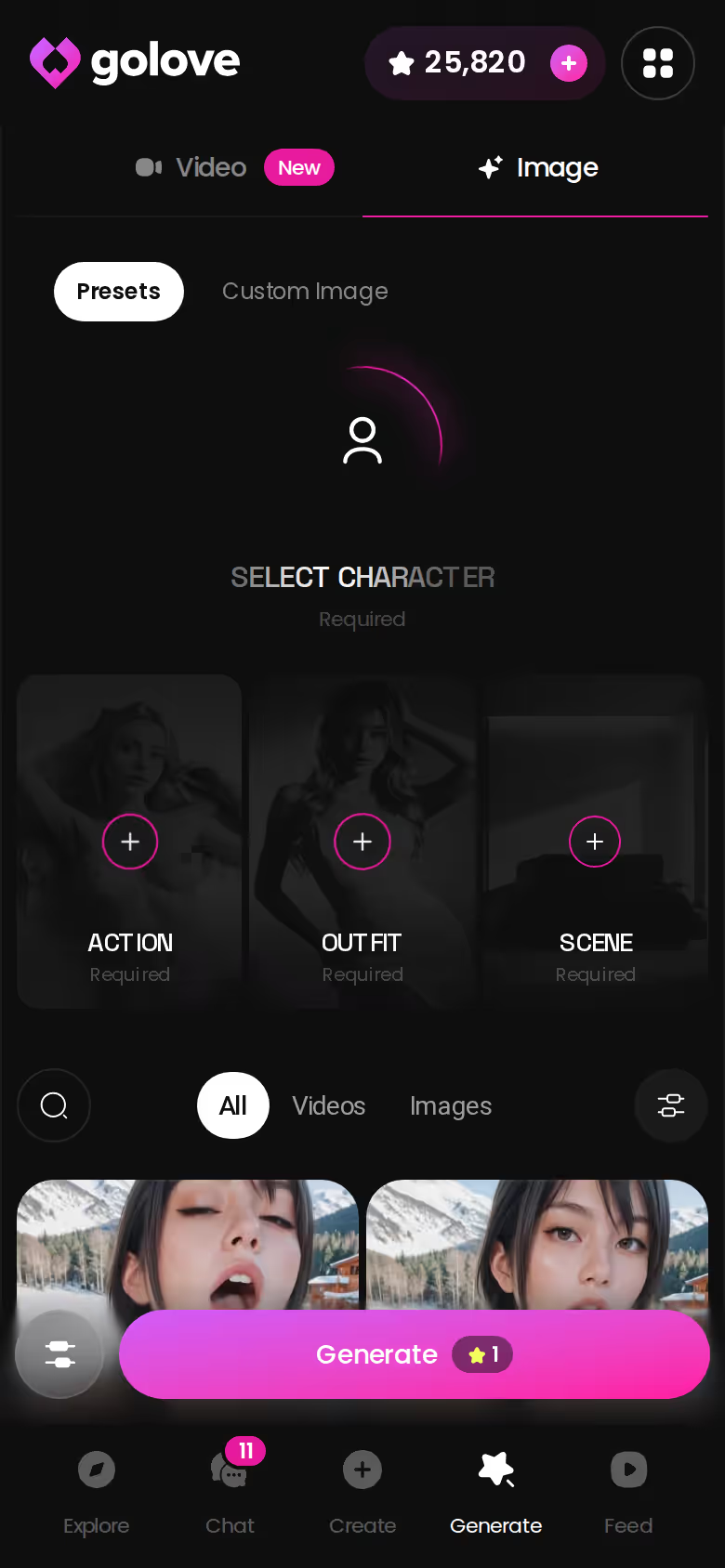
So what does a group month actually cost? If you want photos inside your scenes, PRO's 100 included Stars cover 100 images before you touch a pack. If your month is light and mostly text, CrushOn stays cheaper. Just watch how fast a multi-character scene eats the quota.
GoLove prices checked 2026-10, CrushOn 2026-09; promos and regional pricing vary.
What We'd Fix at GoLove.ai
No app is perfect, and a recommendation without caveats reads like an ad. Here's what we'd flag.
- Your price may differ. Regional pricing and promos mean the number at checkout can differ from the figures above.
- The free tier is thin on purpose. You get 2 daily Stars, a limited Feed and episodes 1–2 of every Series. Serious group roleplay realistically means PRO.
- Voice is PRO-only. That covers both voice messages and calls.
- There are no male characters yet (the Explore filter reads "Male (Soon)"), so mixed-gender group scenes aren't possible today.
- The documented Scenario test used two characters. Ten is the spec, and we couldn't confirm a cast that large in practice.
- We could not confirm the exact daily Feed quota for free accounts.
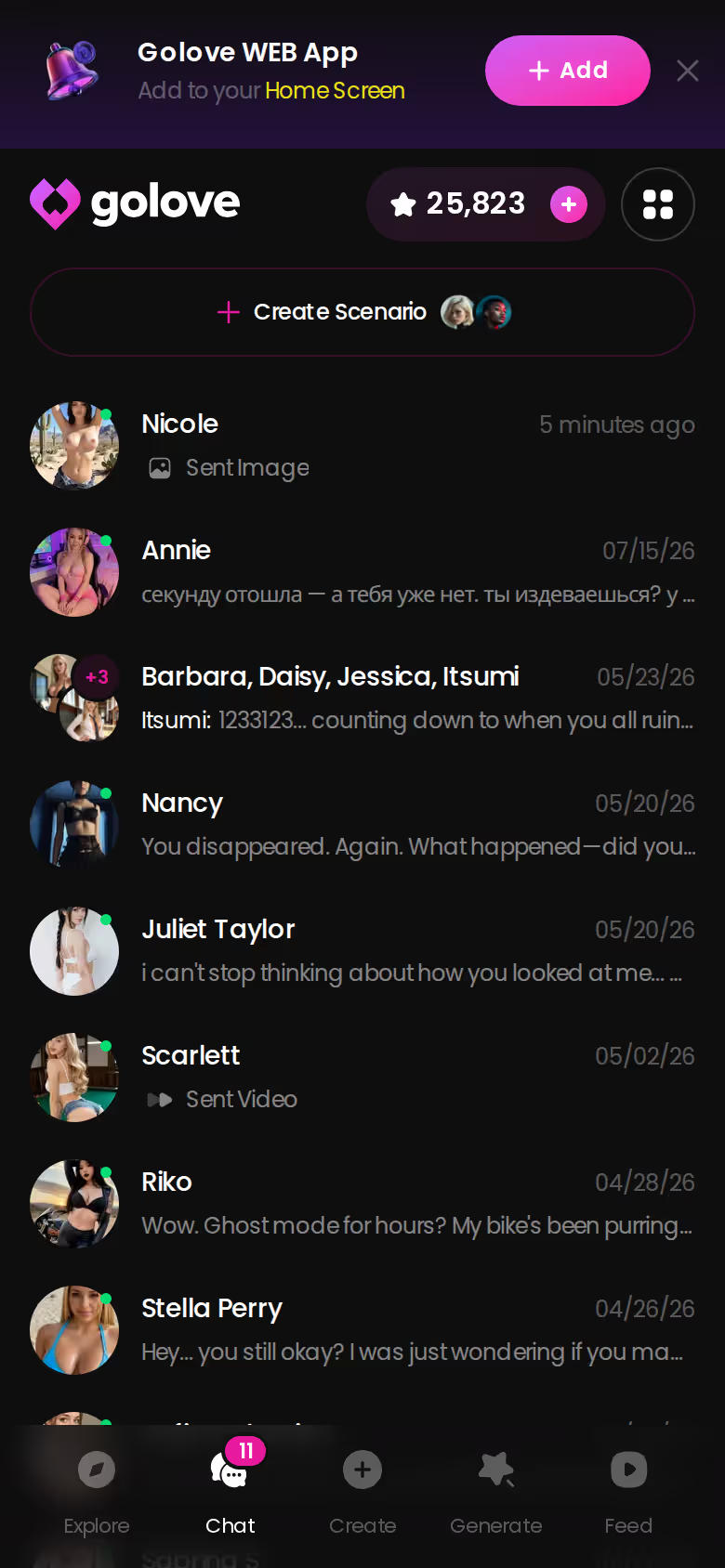
None of that touches the core, though. The group-scene mechanic is there, Continue does the heavy lifting, and the same cast is a tap away in your chats list afterwards.
and watch their story unfold.View Character
Which App I'd Pay For to Run a Group Scene
> The verdict > > Stay on CrushOn.AI if you mainly want cheap, high-volume one-on-one anime NSFW chat with a daily free quota. That's its real strength. > > Look at Nomi or Kindroid if long-term memory across a small group of companions matters more to you than scene mechanics. Kindroid also lists group chats and shared Rooms; we could not confirm its pricing, so check their site. > > For this search, my money goes to GoLove.ai. Scenarios put 2–10 characters in one chat, each answering in her own voice, and Continue lets them carry the scene without you. In-story photos and group photos of up to 3 characters work inside that world. Afterwards the same cast is there one-on-one for private photos and video. > > Not ready to commit? Series is the low-friction way in. Episodes 1 and 2 of every series are free to watch, and you can start chatting with the cast right from the player. "The Only Mortal in Heaven" is literally a love triangle — a vibe for this exact topic.
Building the cast you actually want is quick. Design with AI turns a plain-text description into a named character with her own bio and portrait in about a minute, ready to chat with or photograph.
See also: Nomi AI Alternatives, Interactive AI Girlfriend Game Apps and AI Love.
Frequently Asked Questions
Related Articles
Tavern AI Alternative for Roleplay: 3 Apps Head to Head
Tavern AI alternative for roleplay: GoLove.ai wins on in-scene photos and 2–10 character scenes — compare Janitor AI and SpicyChat side by side.
Kindroid Alternatives for Roleplay: Scenes With Photos
Kindroid alternatives for roleplay: Kindroid's memory and group Rooms are strong. GoLove.ai wins on in-chat photos and group Scenarios — compare prices.

Chub AI Alternatives for Roleplay: A 5-App Scorecard
Chub AI alternatives for roleplay, scored on price, memory and media — GoLove.ai wins on group scenes and in-chat photos of one character. Compare all five.

DreamGF AI Alternative: Why GoLove.ai Wins in 2026
DreamGF AI review: a solid character builder, but GoLove.ai wins on in-chat photos, voice and memory — chat opens straight from Explore. Compare both.